📢 Announcements

Follow new updates and improvements to Colect Announce.

January 23rd, 2026

Announcement

We will be releasing an optional app update on Monday, January 26, that addresses an issue related to delivery windows when working from imported drafts.

What’s included in this update
This release fixes a scenario where multiple additional Delivery Windows may be displayed in the order grid Delivery Window selection when working from imported drafts.

By resolving this issue, the update also corrects related display inconsistencies in the order grid, such as article colors and quantities.

Order placement and data integrity are not impacted.

Do you need to update?
If you are not experiencing this issue, there is no immediate need to update, and you may choose to update at a later time that best fits your workflow (for example, outside of a peak ordering period).

If you are impacted by this issue, we recommend updating once the release is available.

Release timing and availability

  • The update will be released Monday morning via the App Store.

  • As with all App Store releases, it will begin as a phased rollout, starting at 1% and progressing to the full user base.

  • Users who need the update immediately can manually update the app directly from the App Store once it is available.

MDM environments
For organizations using MDM, the update will follow existing MDM policies. If manual approval is required, IT teams may need to approve or push the update to users.

If you have questions or need further information, please contact the support team.

January 16th, 2026

Announcement

We’re currently investigating an issue where changing the customer mid-order creation may result in the cart being cleared.
What’s happening

  • The issue occurs when a cart is already filled and the user switches to a different customer during order creation.

  • This affects both new orders and reactivated drafts.

  • The previous cart content will be lost, and any associated draft will no longer be available or recoverable.

Impact

  • Orders in progress may be lost.

  • The issue is limited to the Brand Portal (B2B) and mainly affects agents or sales reps working with saved or ongoing carts.

Recommended workaround
Avoid switching customers when the cart contains products.

  • If continuing from a draft (moved to the active cart), save it again as a new draft before changing the customer.

  • This helps preserve your progress and avoid data loss.

Resolution

  • A fix has been prepared and will be released on Monday.

January 12th, 2026

Announcement

We’re investigating an issue where the order confirmation language may not match expectations in some cases. This affects only the PDF attachment; the confirmation email body text is sent in the language configured via the backend.This can occur when an agent places an order on behalf of a customer and the agent’s browser or device language differs from the customer’s language.Orders are placed successfully; only the confirmation language may be affected.
The impact is limited and mainly affects B2B scenarios.We’re working on this and will share updates if needed.

November 6th, 2025

Announcement

Infrastructure

We will be performing a platform update related to our CloudFront configuration on Monday, November 10th, between 20:00 and 22:00 CET.

This update will further improve performance, reliability, and content delivery speed across all V3 webshops.

During this time, V3 webshops may be temporarily unavailable.

October 6th, 2025

Announcement

We are excited to announce that Multi-Factor Authentication (MFA) will soon be available for the backend and admin panel. This additional layer of security helps protect your account even if your password is compromised.

How to enable MFA:

  1. Log in to the backend as usual.

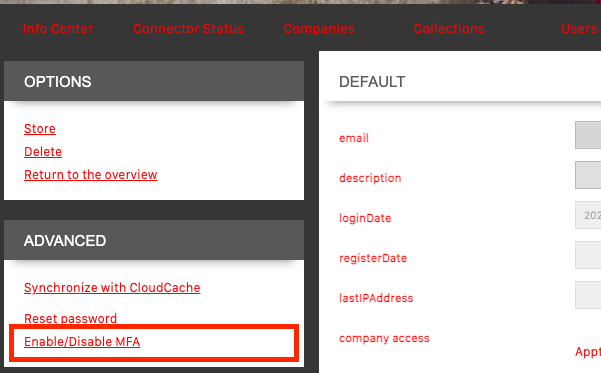
  2. Navigate to your user page. Under the Advanced section in the left-side menu, click Enable/Disable MFA.

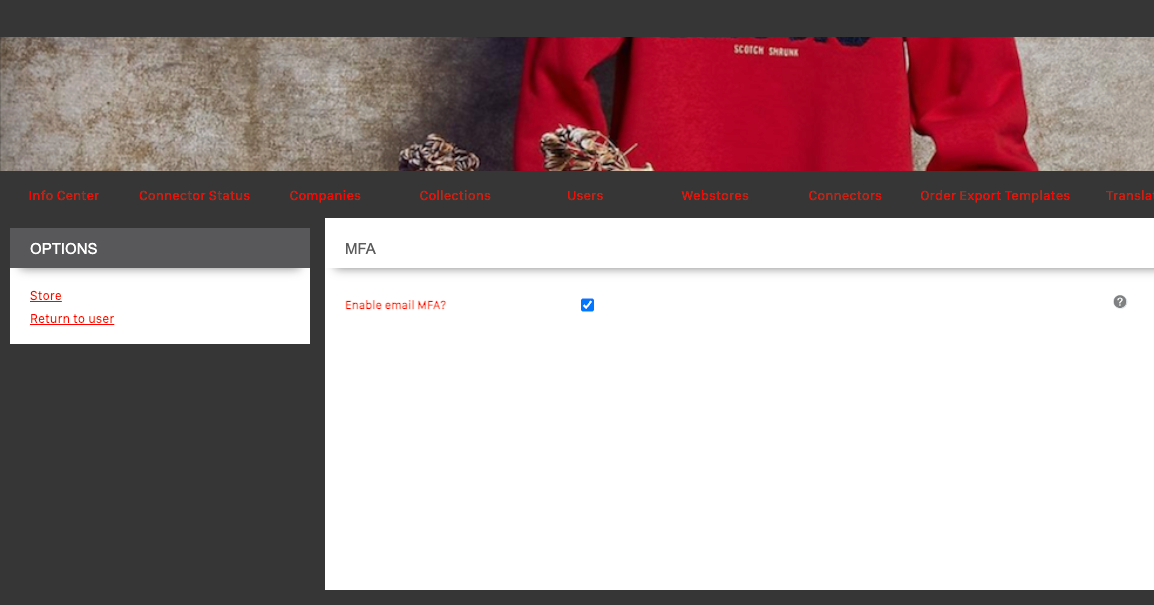
  3. Select Enable MFA via Email and click Store.

What this means for you:

  • Once enabled, you will be prompted to verify your login using a code sent to your email.

  • MFA is optional but strongly recommended for improved account security.

  • You can disable MFA at any time via the same menu option.

Why we’re making this change:

Adding MFA significantly increases account security and helps protect sensitive data in the backend and admin panel. This is another step towards strengthening our authentication system and ensuring safe access to our platform.

If you have any questions or encounter any issues, please reach out to our support team at support@colect.io.
Best regards
The Colect Team

July 8th, 2025

The changes will take effect in H2 2025 currently planned for October 2025 (timeline can change based on planning or feedback from community) 

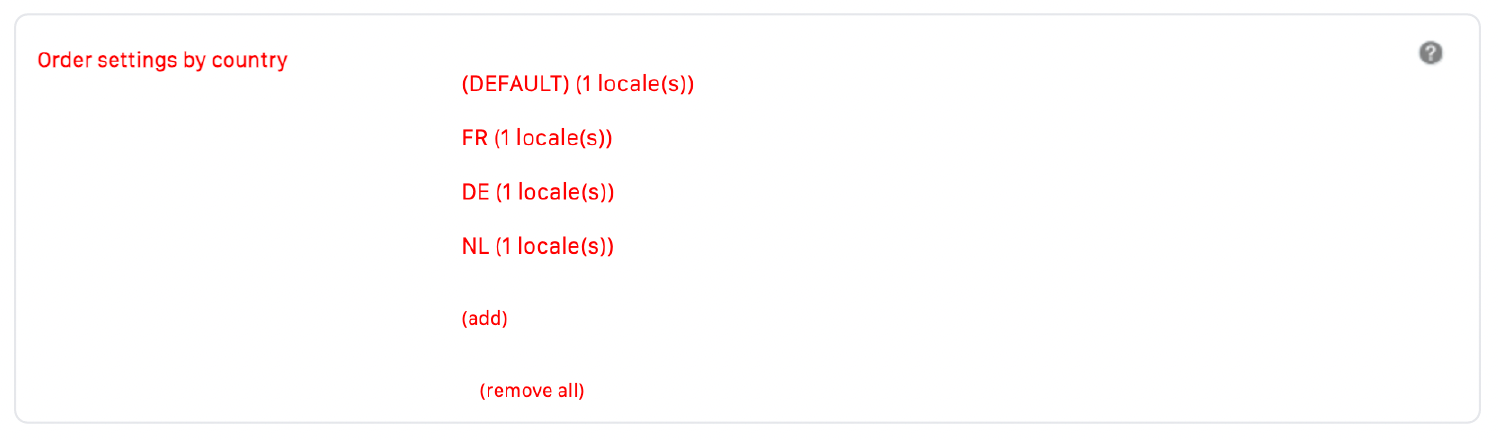
We want to inform you about  upcoming changes (Phase 2) to the settings in our backend.  These updates are part of our ongoing mission to make your experience smoother and the system even more efficient. Here’s what’s changing:

  • Unused settings will be phased out to streamline the platform.

  • Some settings will get default values for better consistency and performance.

For a detailed list of the affected settings, please review the documentation here:
Deprecation of Backend Settings (Phase 2).

If you have questions or need assistance, please submit a ticket and our support team is happy to help.

May 2nd, 2025

Announcement

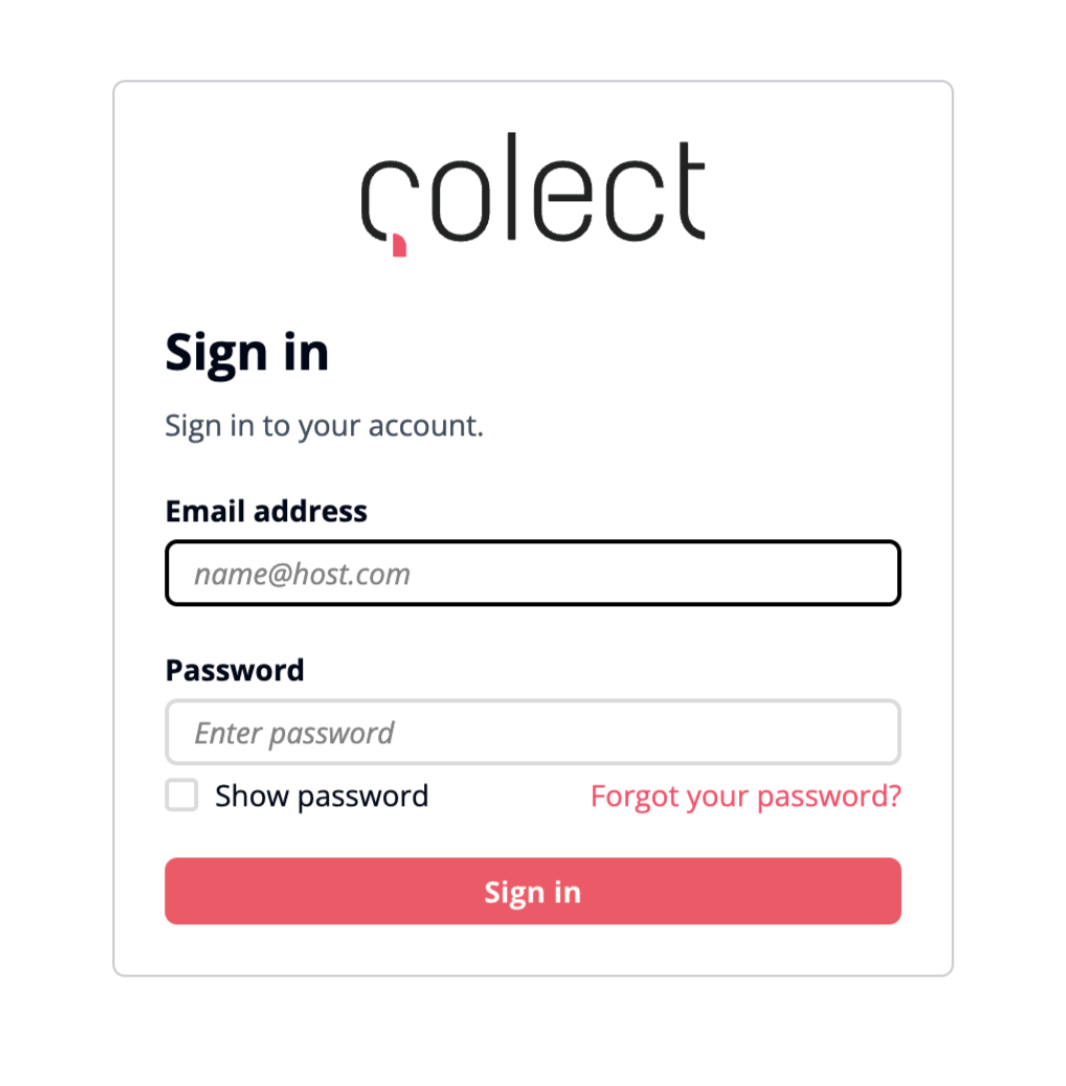
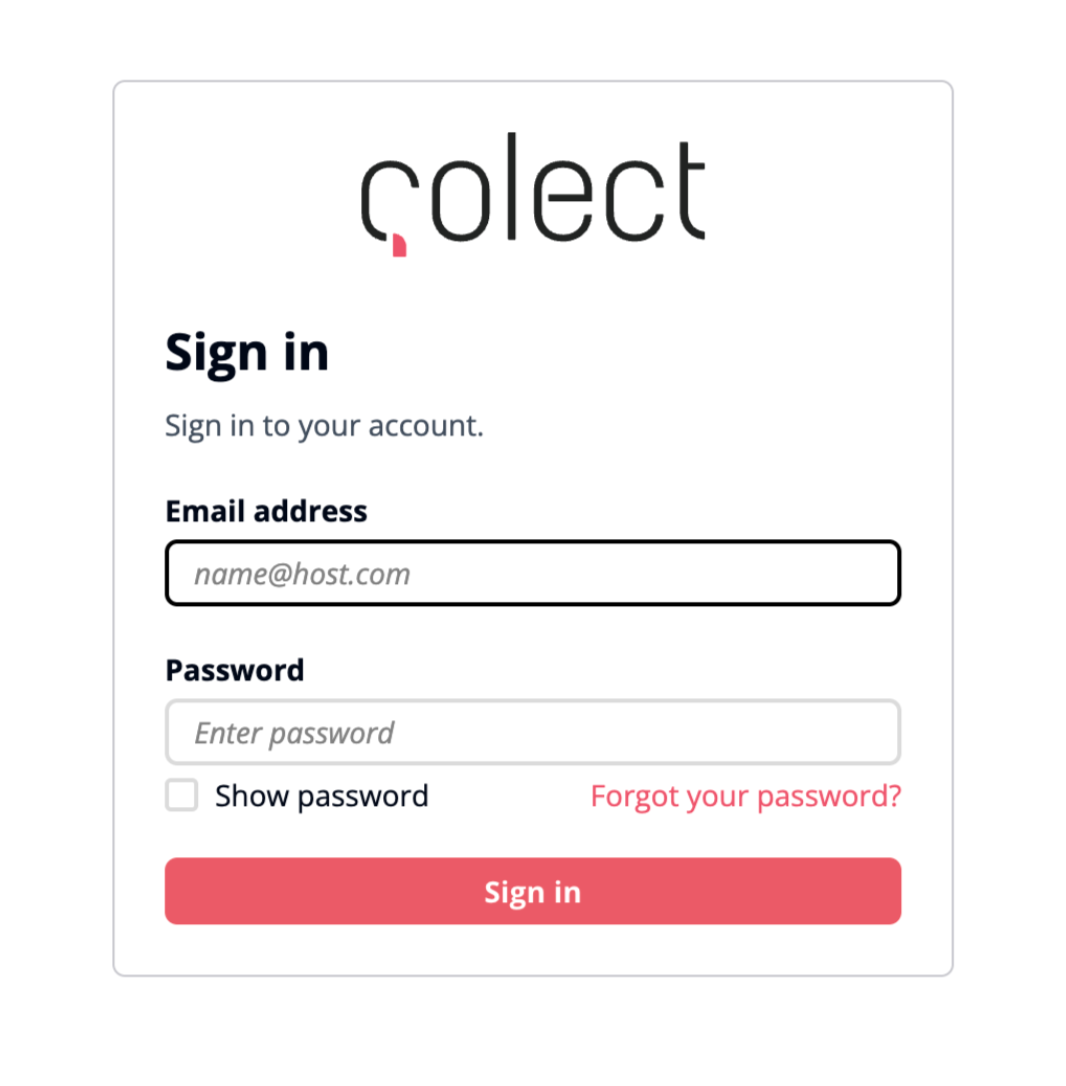
We’d like to inform you that the way you log in to our backend admin panel will soon change.When navigating to the backend admin panel, you will be redirected to a secure, centrally managed login page. After logging in there, you will be automatically returned to the application.

What this means for you:

  • The login screen will look different, but is still owned and maintained by Colect

  • The URL of the login page will be different and will be a sub domain of auth.colect.services

  • Your account will be silently migrated and you will be able to login as normal with your existing username/password

  • In some rare cases the password is considered too unsafe and the account cannot be migrated automatically. A manual password reset by the company admin might be required.

  • This paves the way for more possible future changes regarding account management and login flows (more secure forgot password flow is likely to come soon)

  • This change won’t affect any other functionalities of the backend admin panel

Why we’re making this change:
This update improves security, simplifies account management, and prepares our platform for future integrations and modern authentication flows (like SSO, MFA, etc.).If you have any questions, feel free to contact our support team at support@colect.io.Best regards,
The Colect Team

March 13th, 2025

Dear customer,

We want to inform you that the Brand Portal V2 will reach its End-of-Life (EOL) on June 30, 2026. After this date, Brand Portal V2 will be decommissioned and no longer accessible.

To ensure a smooth transition, we strongly encourage you to start planning your upgrade to Brand Portal V3 as soon as possible. Our team is here to support you with:

  • A dedicated migration plan to help transition to V3 smoothly.

  • Assistance from our team to discuss your specific needs.

  • Resources & documentation to guide your transition.

For more details on what this means for your account and how to prepare, please visit: End of Life Announcement for Brand Portal V2

If you have any questions or would like to discuss your next steps, please reach out to Richard Griffioen (richard.griffioen@colect.io) or your local contact.
Thank you for your continued trust in Colect. We look forward to helping you make the most of our latest technology.

Best regards,
The Colect team

January 6th, 2025

Going Live February 3rd, 2025

We want to inform you about some upcoming changes to the settings in our backend.
These updates are part of our ongoing mission to make your experience smoother and the system even more efficient. Here’s what’s changing:

  • Unused settings will be phased out to streamline the platform.

  • Some settings will get default values for better consistency and performance.

For a detailed list of the affected settings, please review the documentation here:
Deprecation of Backend SettingsIf you have questions or need assistance, please submit a ticket and our support team is happy to help.

October 28th, 2024

Announcement

Infrastructure

This announcement is only applicable to customers that are using our SOAP interface.

Effective March 2025, renewed Connector certificates do not contain Starfield C2 (subject C=US, O=Starfield Technologies, Inc., OU=Starfield Class 2 Certification Authority) in its certificate chain. This could impact TLS connections if your TLS-initiating applications only trust Starfield C2.

Only if you have customised your TLS-initiating application to only trust Starfield C2, you will need to update your trust stores to trust all Amazon CAs instead. Otherwise your application will fail to initiate a TLS connection with the connector.

As a best practice, it is also strongly recommended to not pin your trust to a certificate that you don’t completely own such as certificates for Colect service endpoints. You can read OWASP guidance on certificate pinning.