Order Details, Restructured: Configuration by Country and Language
You'll notice a new look in Order Details section of the Colect backend from Tuesday, July 7th, 2026 - nothing about how your orders and emails work is changing yet.
All existing configuration stays in place and keeps working exactly as before, and your orders and emails behave just as they do now. There are no migration steps, and the current way of working continues undisturbed.
Here's what's behind it.
We've reworked the Order Details section to bring order configuration by country and language together in one place. This is the foundation for a fully language-aware order experience and it's what will power language-based resolution across the Brand Portal and the Sales App once that piece ships.
A first look at what’s live today
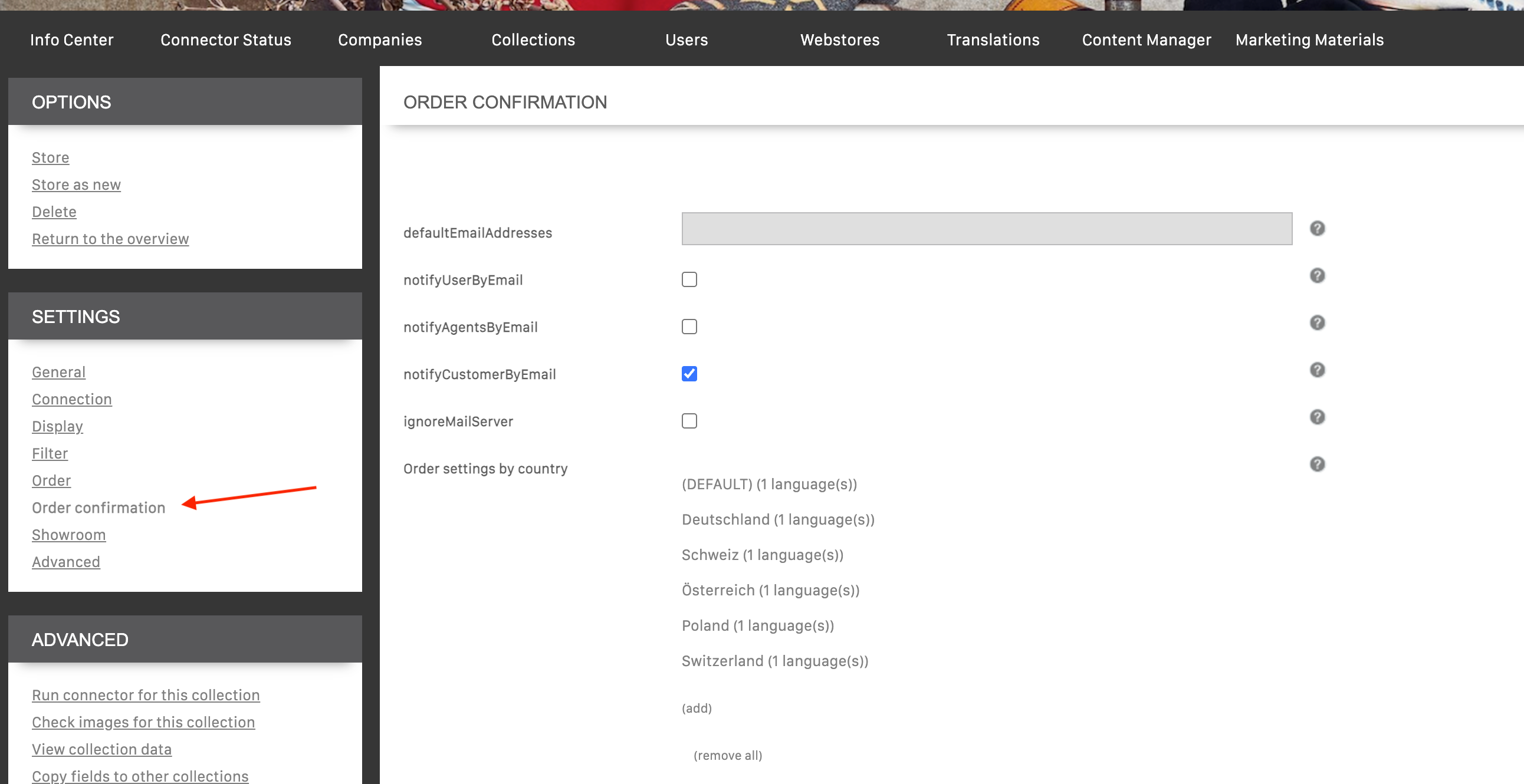
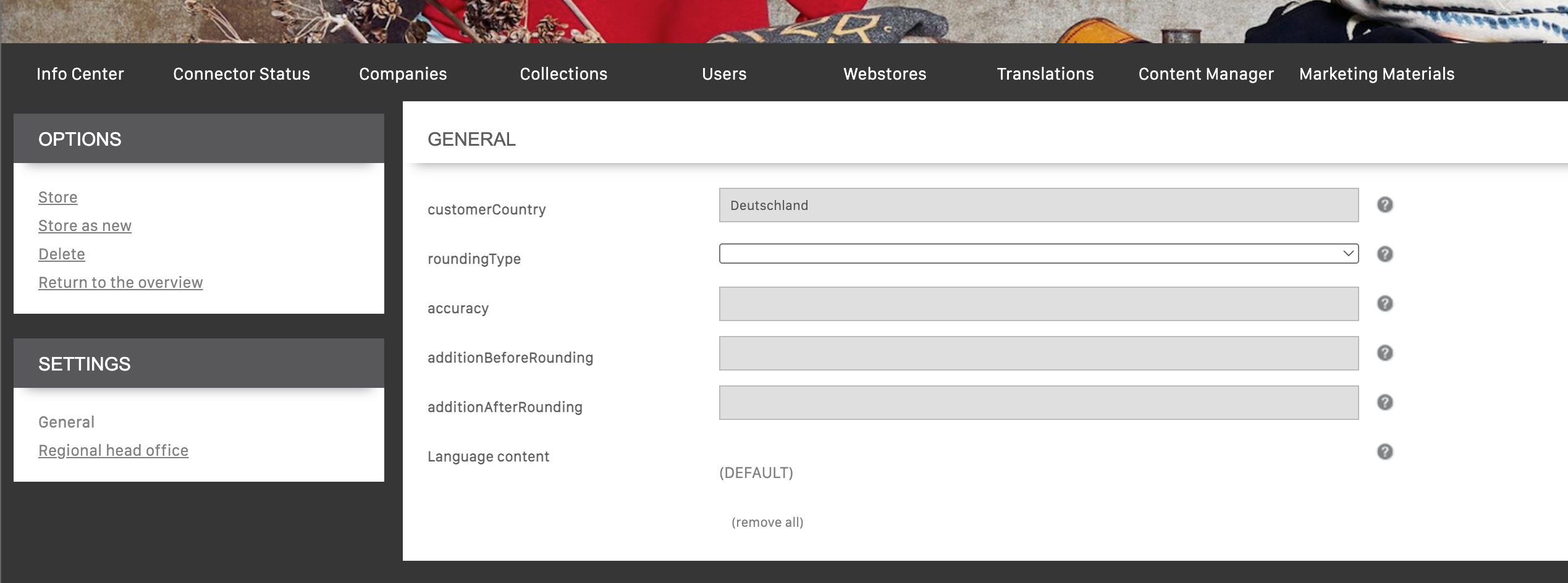
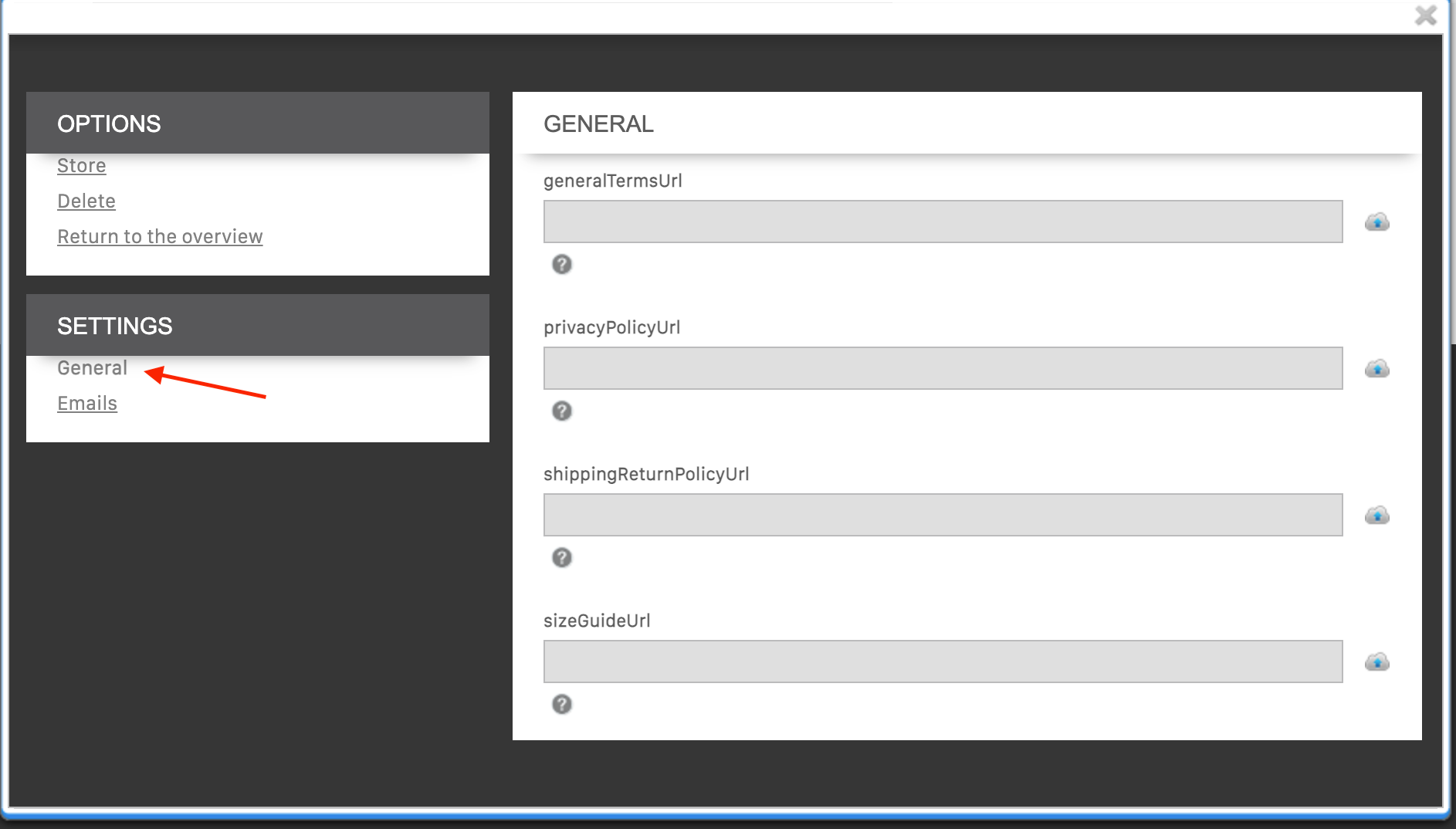
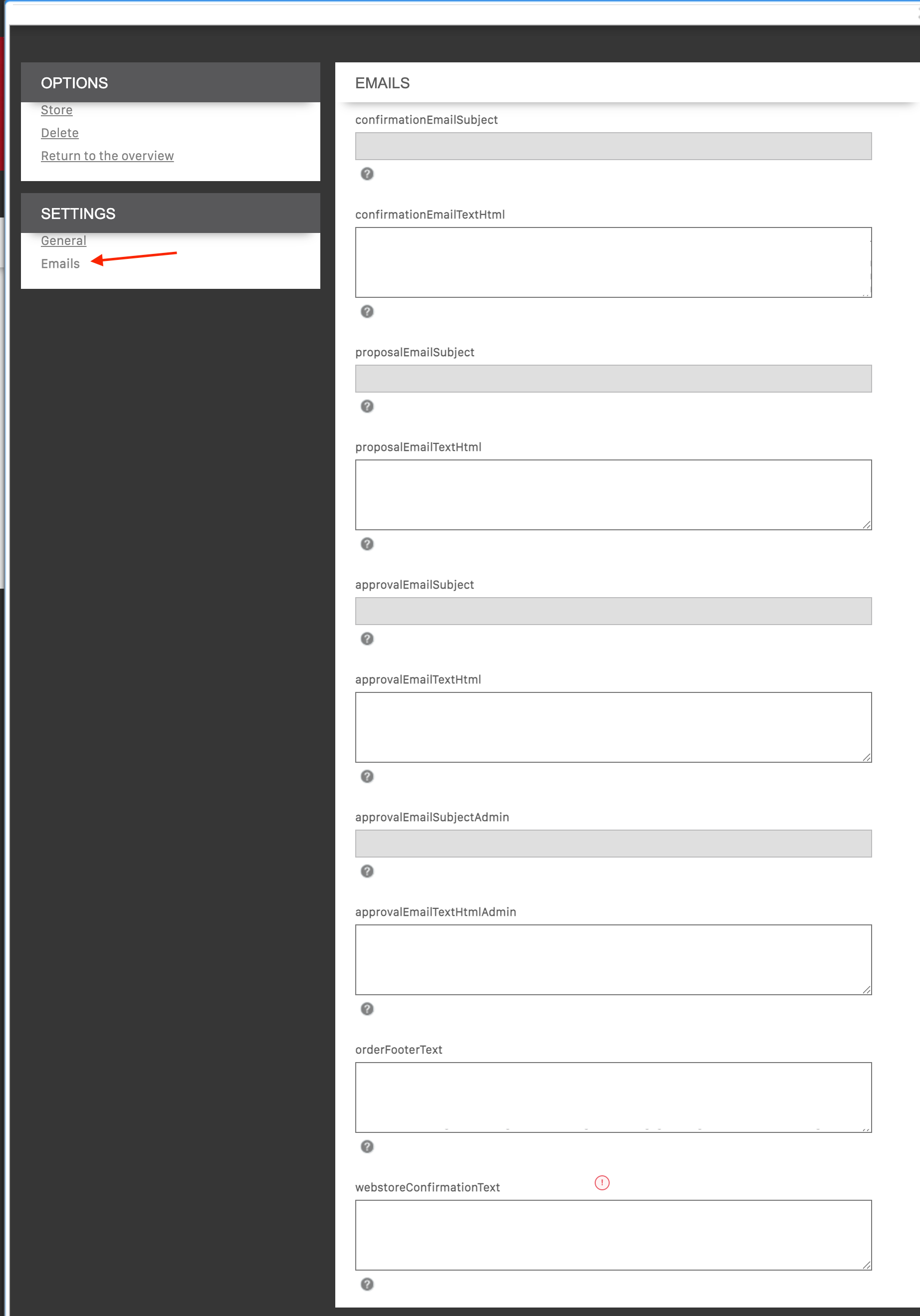
This new view does not change anything about how things work today. All existing configuration stays in place and keeps working exactly as before, and your orders and emails behave just as they do now. There are no migration steps, and the current way of working continues undisturbed.
Why we're making this change
Order-related content - document links and email text - used to live in two separate places: text overrides in Order Details and the Content Manager. As demand for language-specific content grew, driven by customer language preferences and legal requirements around policies and documents, keeping this split across two locations became error-prone.
We're consolidating everything into a single, restructured Order Details section, organized per country and language. This makes it possible to configure, for example, French-speaking customers in Germany (DE + FR) entirely separately from German-speaking customers in Germany (DE + DE).
What you'll notice today
Order Details in the Backend Console now looks a little different: click into any country and you'll find a new Language content section underneath it. For now, that section always holds exactly one language: (DEFAULT).
(DEFAULT) has its own general terms, privacy policy, shipping & return policy, and size guide documents.
(DEFAULT) also has its own email content - subject and text for confirmation, proposal, and approval emails, including the admin variant.
Coming soon
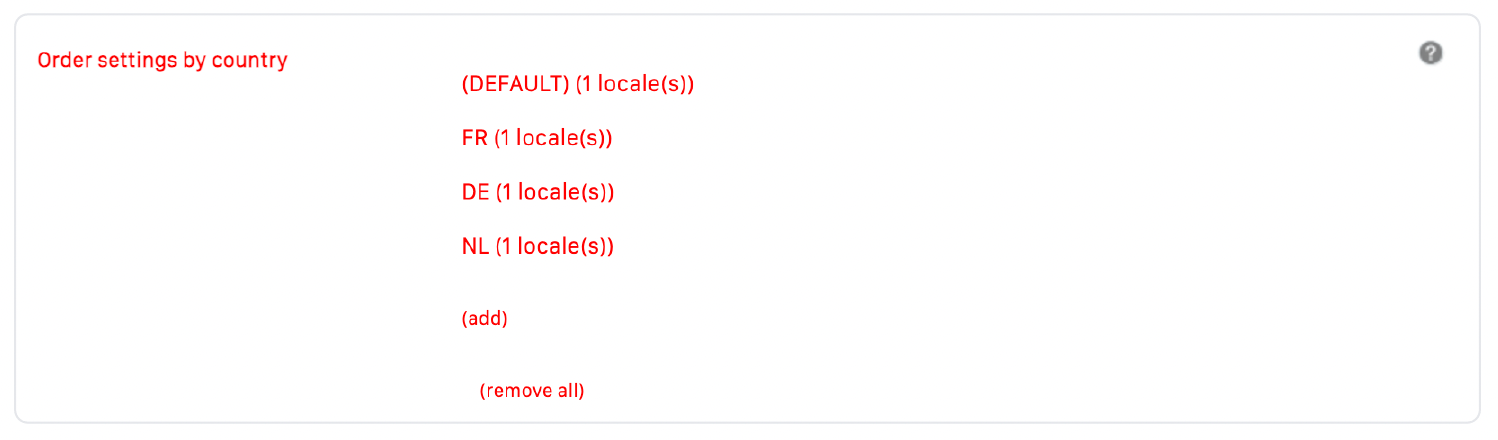
Once you can add languages and the remaining pieces are switched on, Order Details becomes the single source of truth for order-related content, resolved automatically to each customer's country and language.
The language set on the customer record will determine which Order Details entry applies, independent of the customer's country.
Order emails (confirmation, proposal, approval) will use the subject and text configured for that country and language, with a fallback to your existing configuration when no specific value is set.
Policy documents will be served in the matching language across the Brand Portal (V3) and the Sales App. For example, a French-speaking buyer at a German retailer will see French terms and size guide, while a German-speaking colleague at the same account sees the German set.
Rollout status
New Language content section under each country, visible in the Backend Console - Visible Tuesday, July 7th, 2026
General terms, privacy policy, shipping & return policy, and size guide for the (DEFAULT) language - Available now
Note: shipping & return policy doesn't yet fall back to (DEFAULT) for a country without its own entry. We're fixing this.Adding additional languages (beyond DEFAULT) to a country - Coming soon
Language-based resolution across the Brand Portal and Sales App - Coming soon
Language-specific documents in the Brand Portal V3 - Coming soon
We'll send a full announcement the moment the complete implementation is live.